ChessGenius
for Windows Mobile
Version 2.0
ChessGenius,
award winning chess program for Windows Mobile. Packed with features for
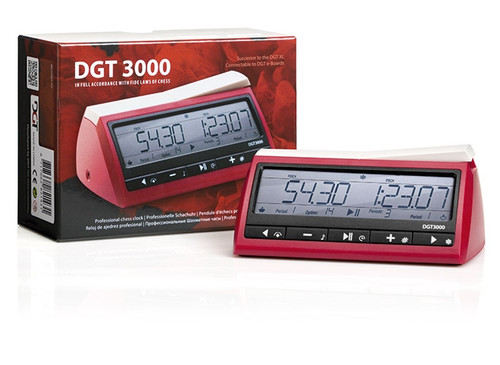
beginners and experts: 30 playing levels including easy and blitz - Chess
clocks - Move record - Display of thinking - Save/load game. Superb playing
strength. The authors chess programs have won ten world championships.
Requirements:
ChessGenius will run on all Windows Mobile
devices including Windows Mobile 6, 5 and 2003SE/ 2003 devices.
It
runs on touch screen with stylus devices e.g. Windows Mobile 6
Professional, Windows Mobile 6 Classic and Windows Mobile 5, 2003SE / 2003
for Pocket PC. It runs on non-touch screen devices e.g. Windows Mobile 6
Standard, and Windows Mobile 5, 2003SE / 2003 for Smartphone.
Features include:
- Powerful,
compact and fast.
- Free updates
for registered users.
- The board
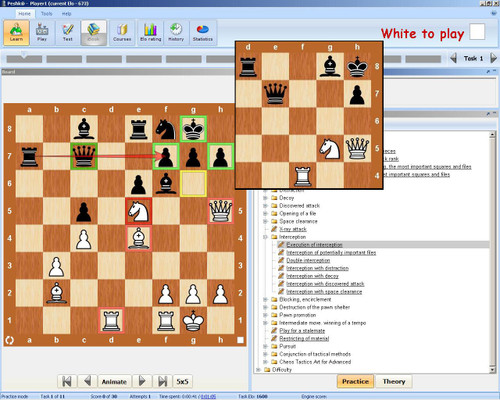
display shows chess clocks, move record and 'thinking' information.
- Display
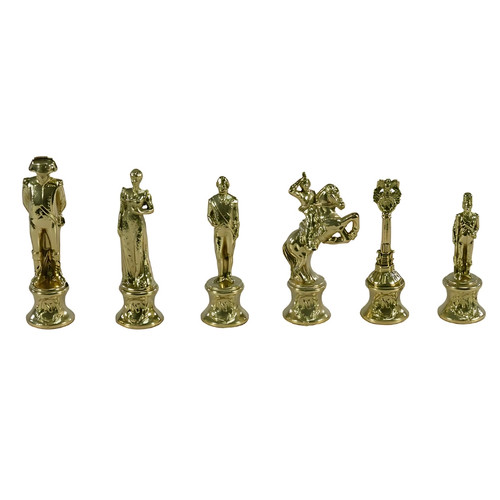
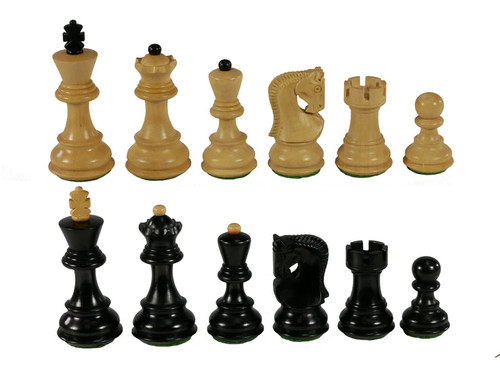
options: Chessboard size, piece set
and board colors and be selected.
- Set up
position.
- Thirty
playing levels. 10 'easy', 10 'blitz' and 10 time per move.
- Understands
the rules of chess including: draw by repetition, 50 move rule, en
passant, castling, under-promotion etc.
- Take-back
moves, step-forward, back to start
and forward to end.
- ChessGenius
can play against itself or allow two player games.
- Analyze
game. Like two player but ChessGenius calculates continuously and shows
its thinking.
- Save and
Load games. Games are saved in PGN format. Multiple games per file. Easy
import and export to PC programs.
- Permanent
brain option for even stronger play.
- Tutor
Option. ChessGenius will warn if a blunder or weak move is played and give
the option of takeback.
- Hint.
ChessGenius can suggest a move for you.
- Show legal
moves and display board coordinate options.
- Full support
for the Landscape mode and VGA/Square screens of Windows Mobile 5 and 2003
SE devices.
- A Championship icon is
displayed if you have not used Hint, Taken back moves or viewed the Main
line. Can you beat ChessGenius without help?
- Display of
opening name. For example “B12 Caro-Kann defence”
- Tested and
certified "Windows Mobile Ready
New features of ChessGenius version 2.0 include
- Runs on all Windows Mobile devices
- with and without touchscreen. (Previously non touchscreen devices
required "ChessGenius for Windows powered smartphones" which had
fewer features)
- Support for all screen sizes. Landscape,
Square, QVGA, VGA and WVGA displays. (Support for 320x320 and WVGA
is new)
- ChessGenius now offers two chess board
sizes for every screen size. (Previous version did not support big
chess board on landscape displays)
- Make moves using stylus or 5 way pad. (No
need to use stylus)
- Support for screen rotation
- Improved piece animation.
- Improved database with load next game
function.
- Optional toolbar on touchscreen devices.
|